Open CleaningCentral on your phone and sign in with the email your manager set up. Add it to your home screen so it opens like an app.
Start your day
- Tap Time at the bottom (or Day clock & time on Today).
- Under Today's workday clock, tap Start workday.
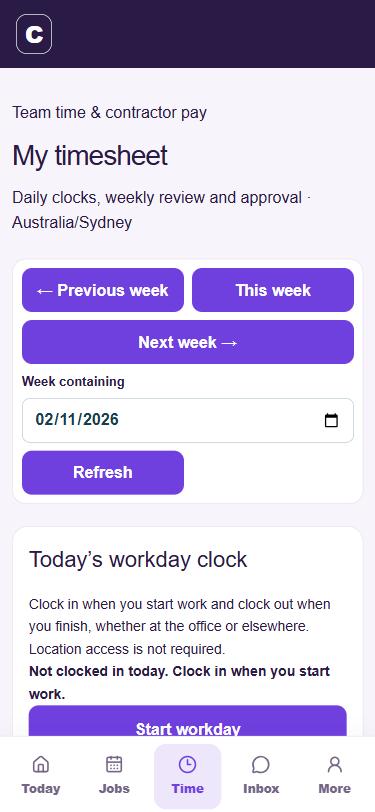
Workday clock
See your jobs
- Today shows how many jobs you have and how many are done, then each job in time order with the client, service and suburb.
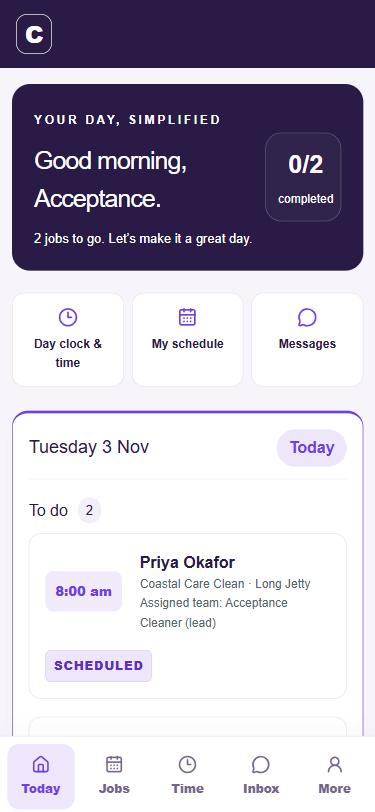
Cleaner Today - Jobs (or My schedule) shows the coming days.
- Inbox has messages from the office.
Finish your day
- When your last job is finished, go to Time.
- Tap Finish workday.
If you forget, tell the office. They'll fix the finish time.